Jots. Hats. Plans.
One life.
Many hats.
Capture what matters. Organize it by the role you’re in. Pick up bigger Plans exactly where you left off.
Currently in private beta
A place for the thought. A way to carry it forward.
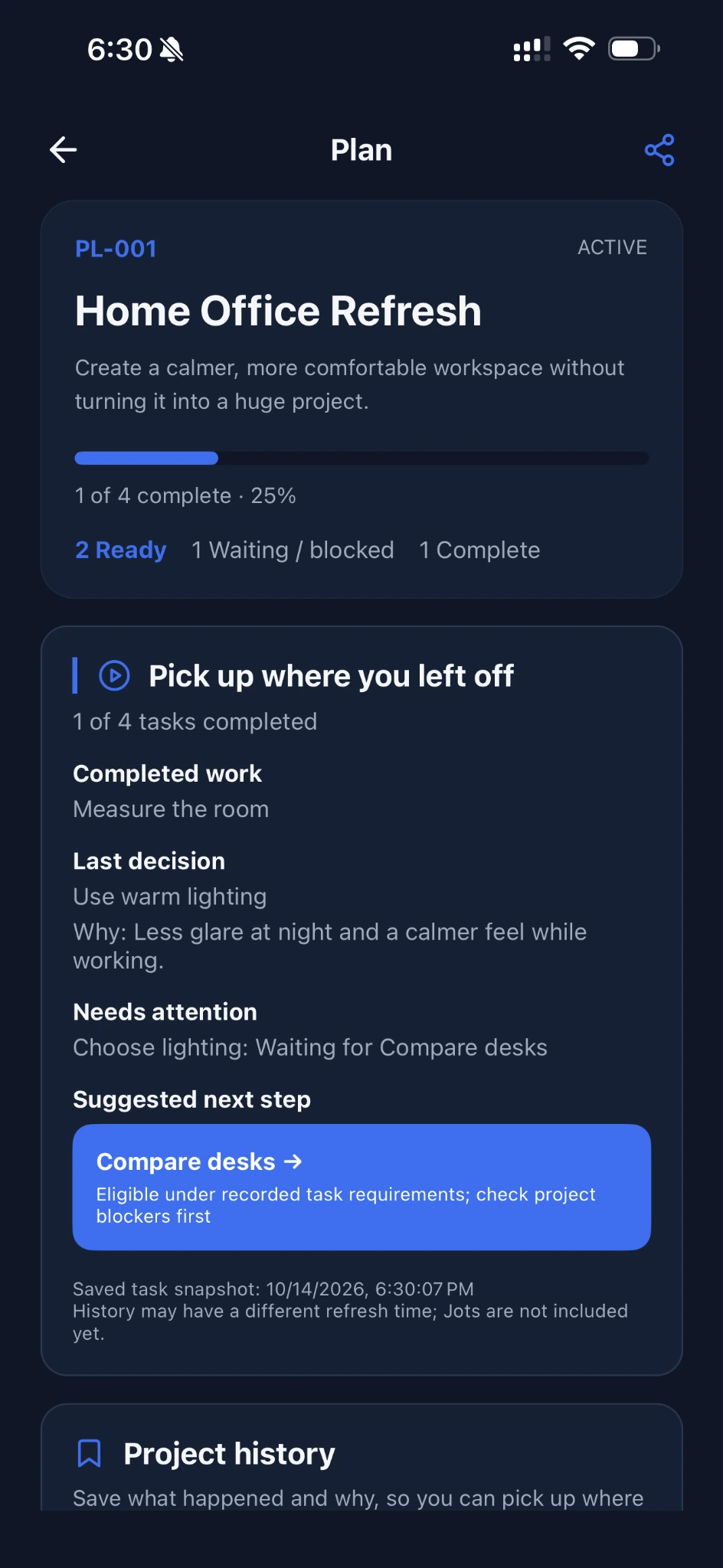
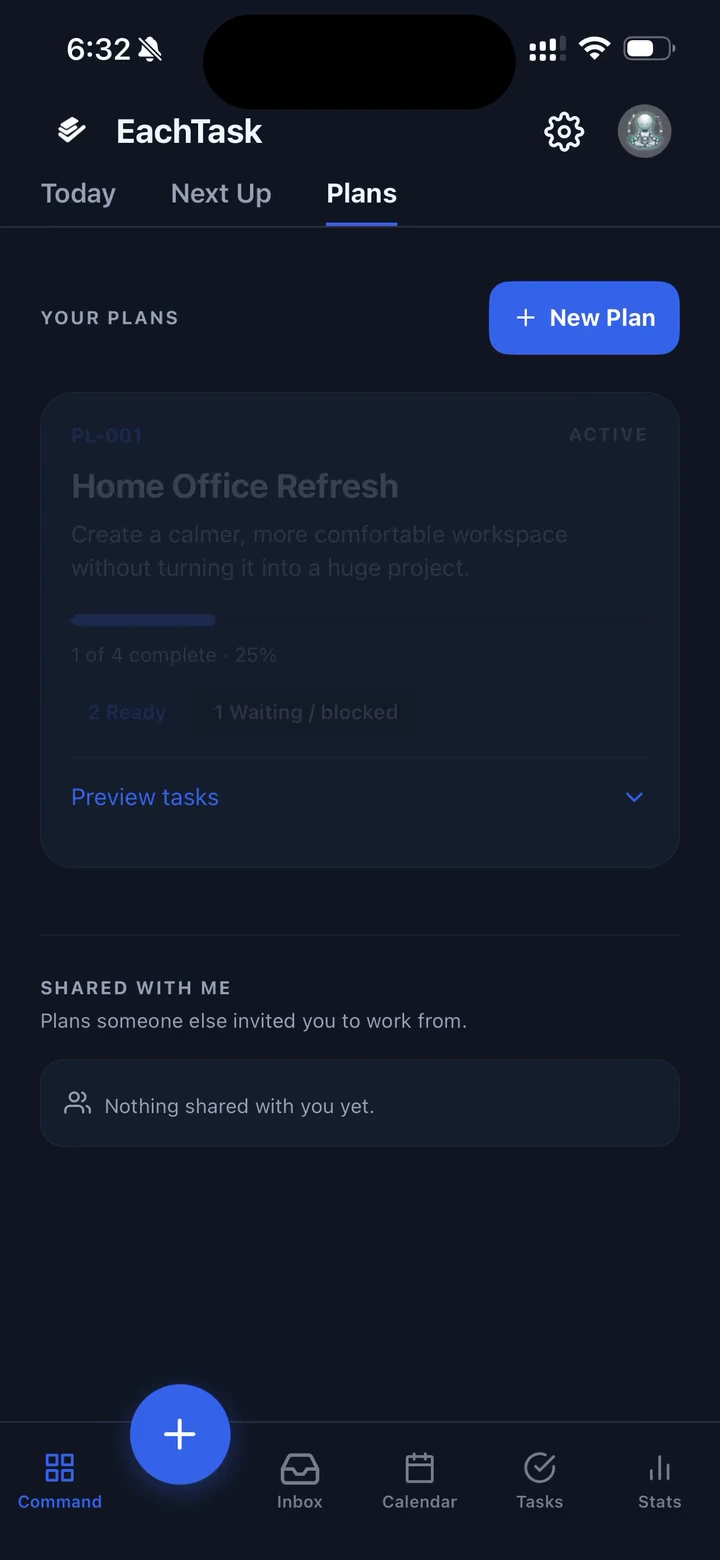
Plans / Pick up where you left off
Come back knowing exactly where you left off.
Three weeks away. Ten seconds to understand. One action to continue.
Life moves between projects. Plans keep the context together, so returning feels like continuing.
- Progress and completed work
- Confirmed decisions and the reasons behind them
- Blockers that need attention
- The next actionable step
That’s the experience we’re building toward: less catching up, more moving forward.
Playback didn’t start. Use the video controls or open the recording.
Jots / A little less to hold in your head
Capture it now.
Organize it later.
A thought doesn’t arrive with a due date and a project brief. Jot it down while it’s fresh, without filling out a task form.
Leave it as a thought, or turn it into a task when you’re ready to act.
What if the spare room became a calmer place to work?
Hats / Room for every part of your life
One life doesn’t mean one role.
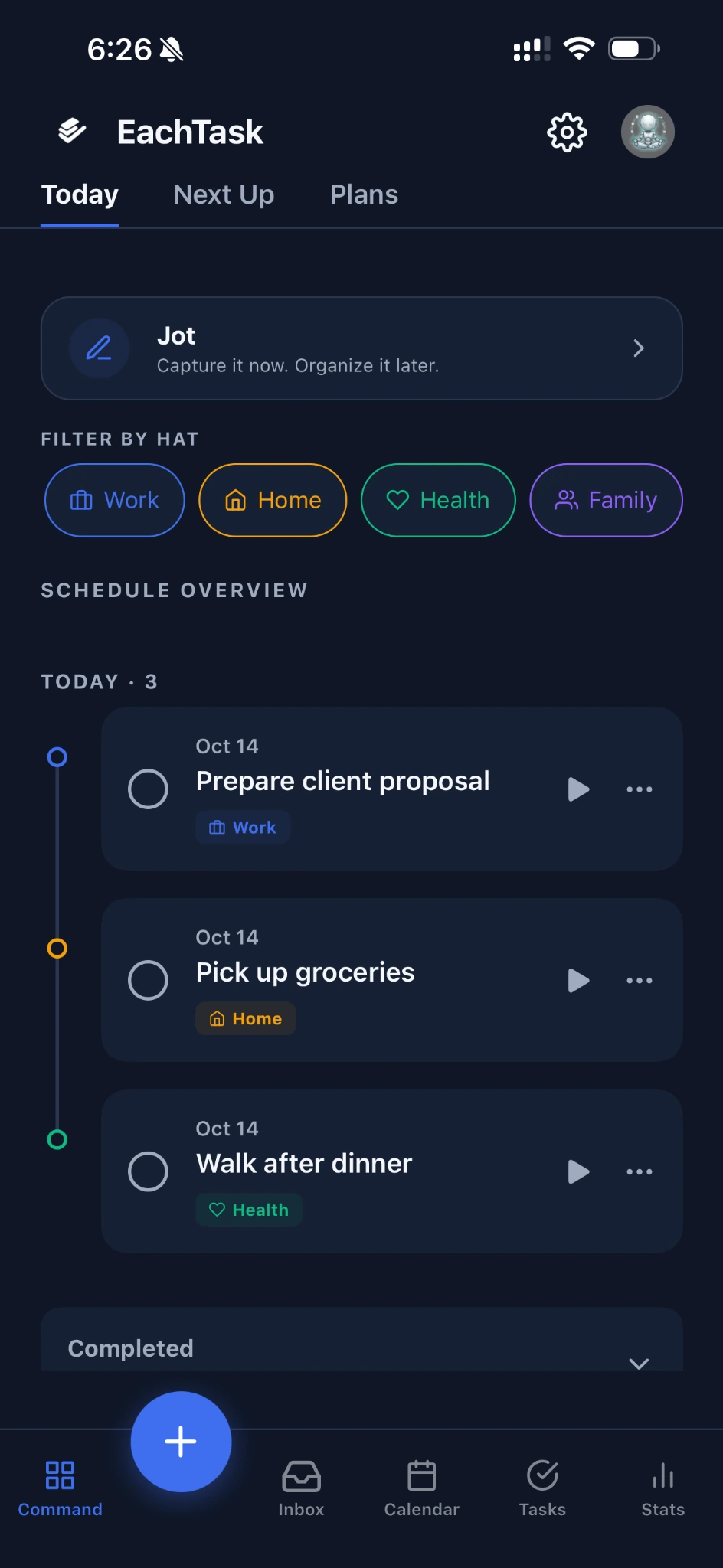
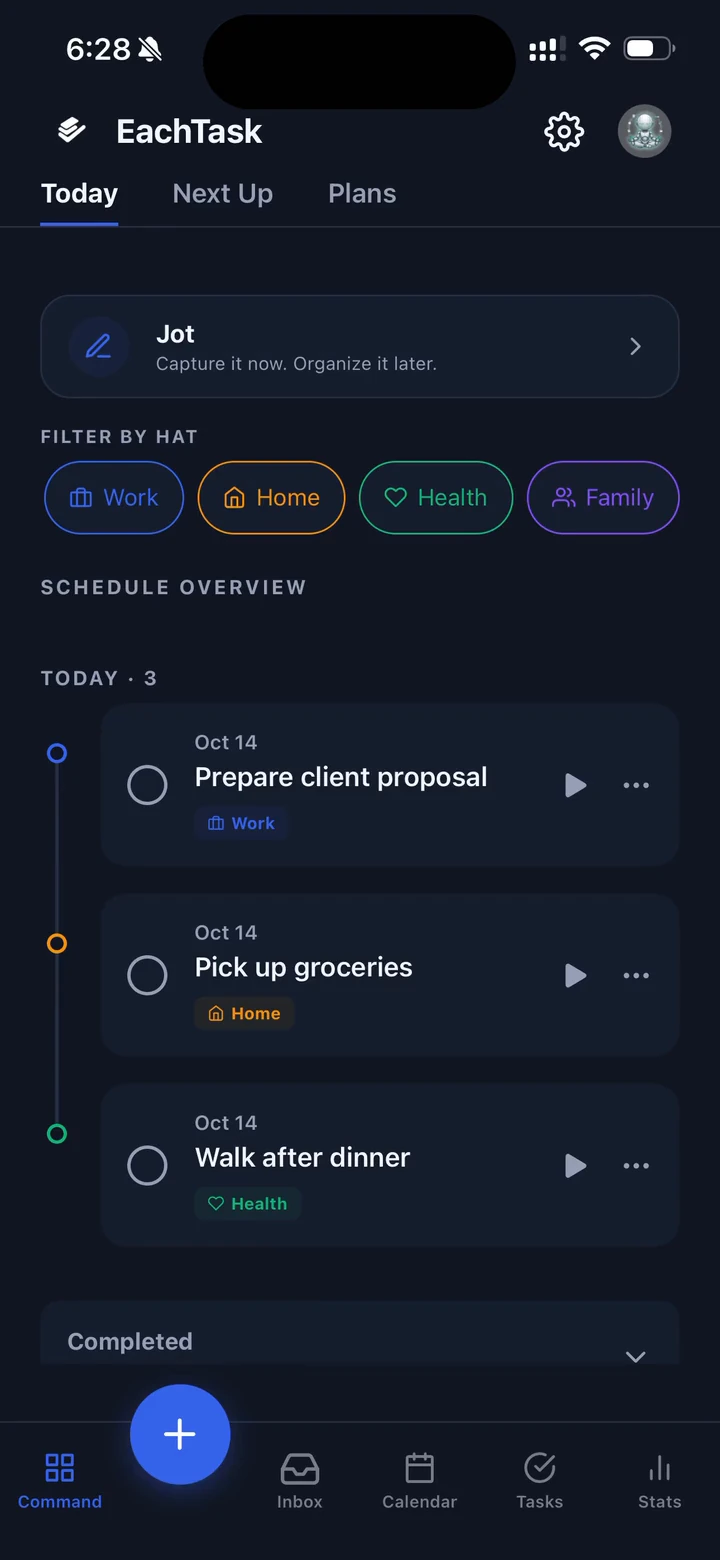
Work, Home, Health, Family. Your responsibilities belong to different parts of your life. Hats help you organize them, then see the work that fits the role you’re in.
- Work
- Home
- Health
- Family
Playback didn’t start. Use the video controls or open the recording.
Continue with AI
Take the project context with you.
Create a project handoff from saved tasks, confirmed decisions, reasons, and blockers. Review it, then choose to share it into another AI conversation.
You choose what leaves EachTask. Nothing is automatically uploaded to an AI provider, and the handoff doesn’t reconstruct previous AI chats.
Make a plan. Share the load.
Ready to act? Focus Mode gives one task a quiet space when it’s time to do the work.
Current status
A little more clarity.
One step at a time.
EachTask is currently in private beta, with testing on real devices. Have a question or feedback? We’d like to hear it.